Log in
Back to what I can do

What's new

Keep up with the latest releases, improvements, and fixes.

Gmail opens on To respond

With 2ofMe for Chrome, clicking Inbox in Gmail’s left bar now takes you to your first 2ofMe tab (To respond, for most people) instead of your full inbox. Your full inbox is still one click away in the tab row, which now shows how many conversations it holds.
Fixes

  • Invitations from friends land in FYI or To respond
  • Reply drafts answer the sender and keep your question for you
  • Reply drafts say yes when someone proposes a time you're free
  • The follow-up list keeps your place
  • Unsent drafts stay out of the 2nd brain

2ofMe in Slack

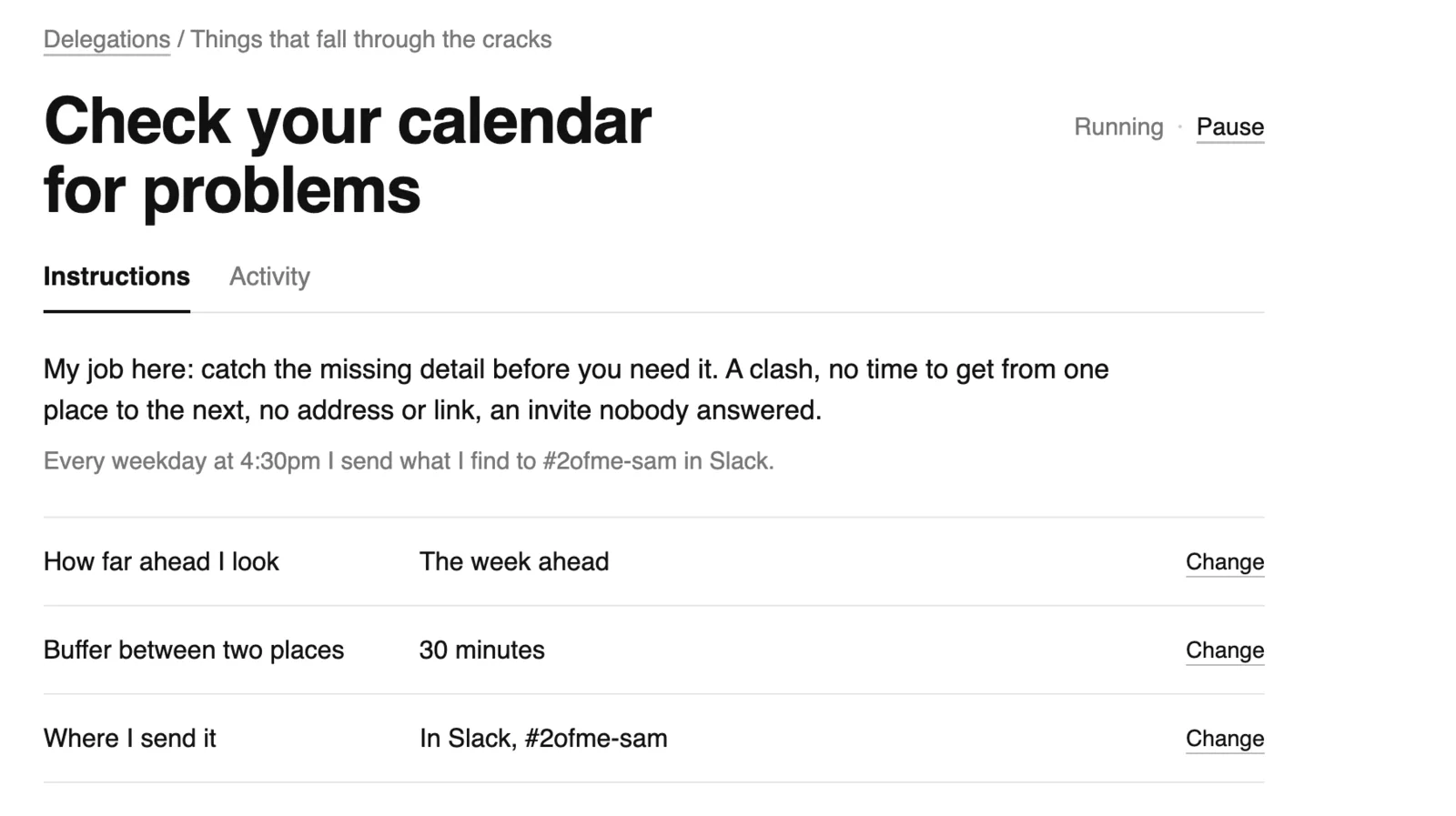
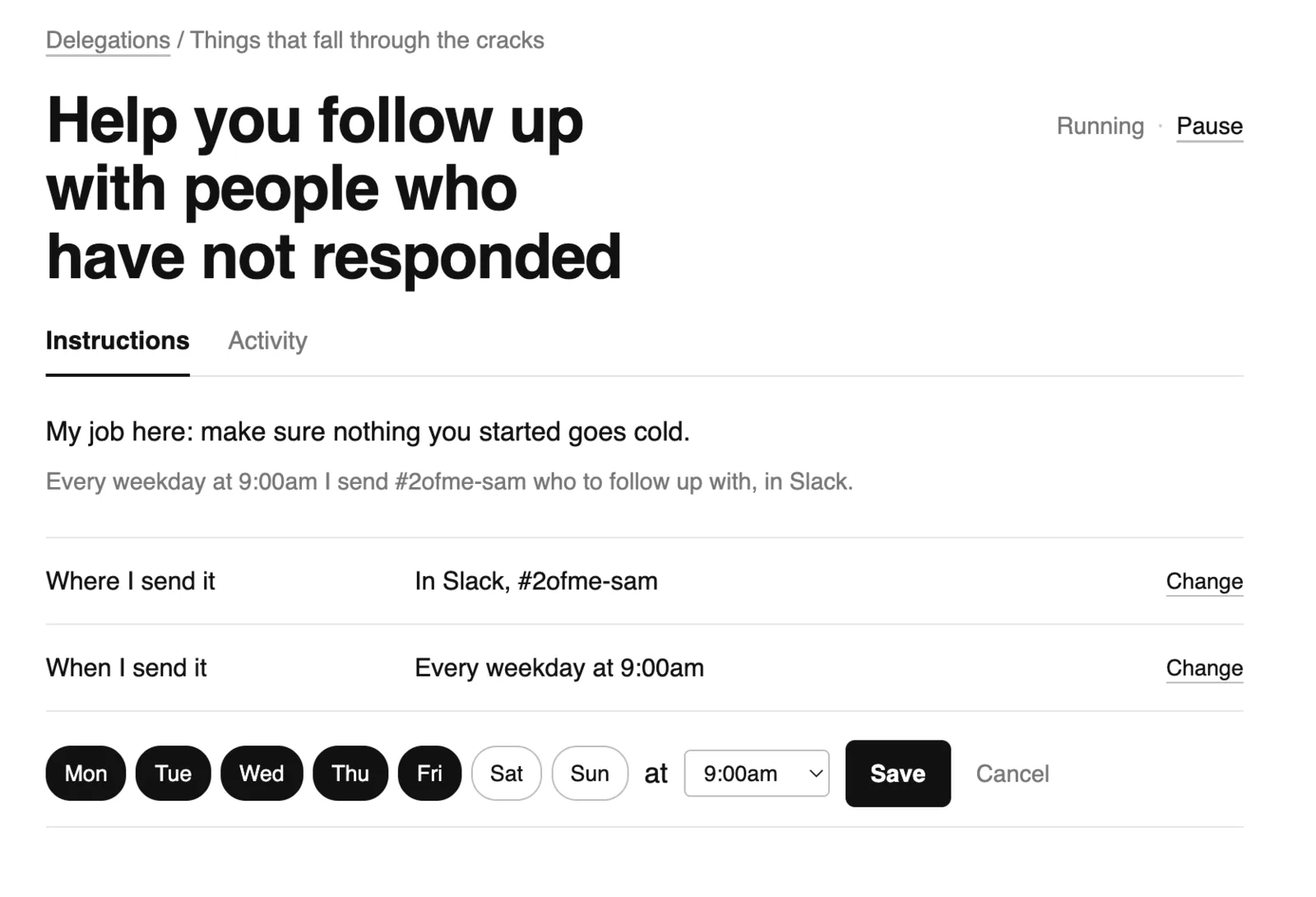
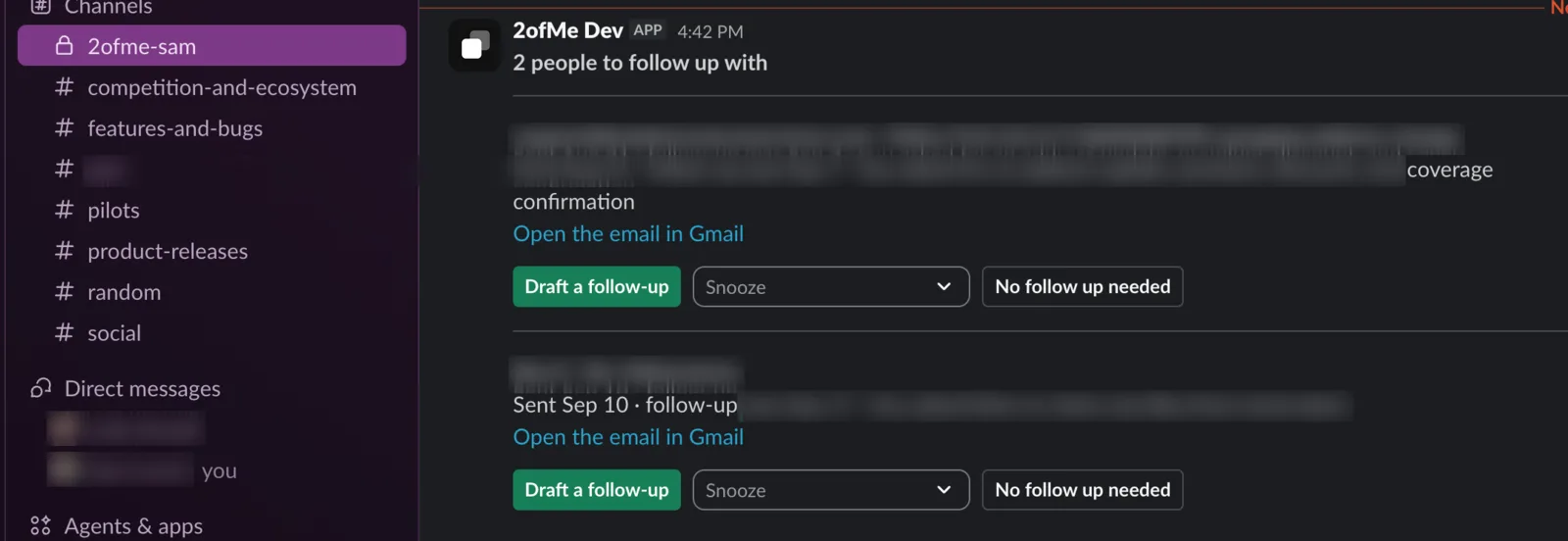
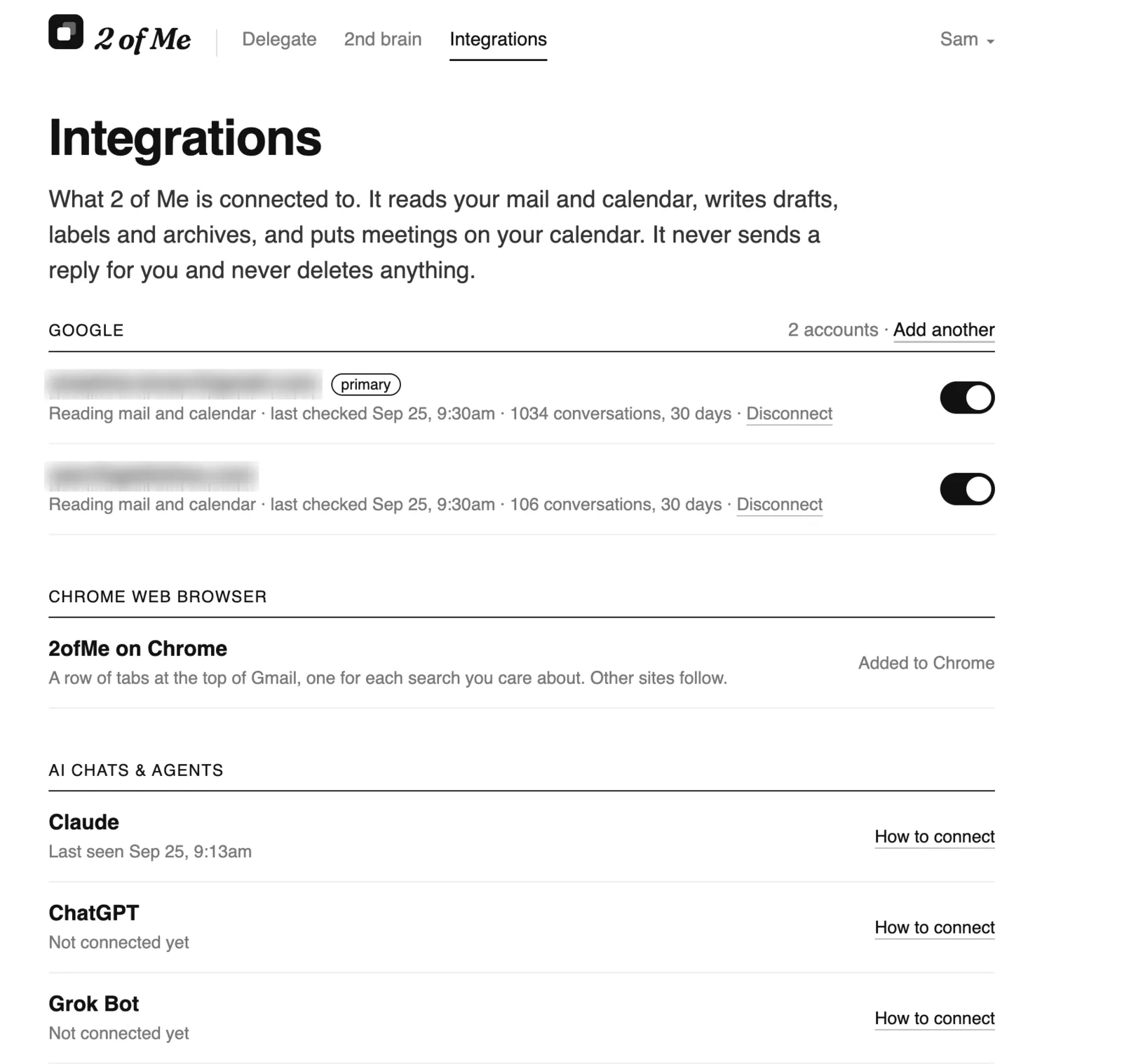
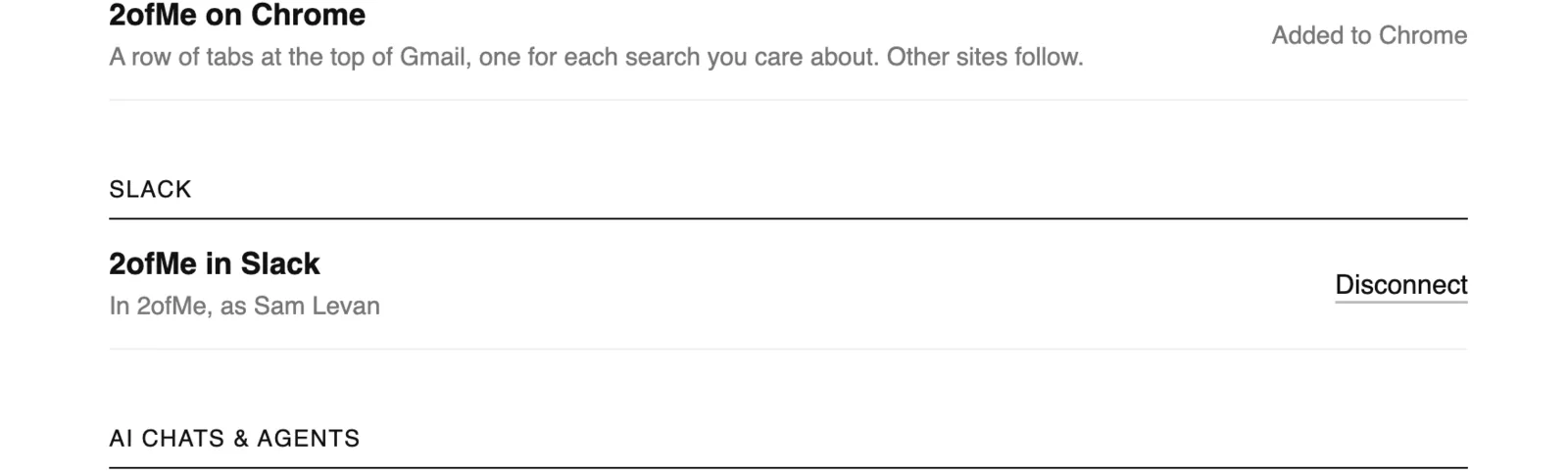
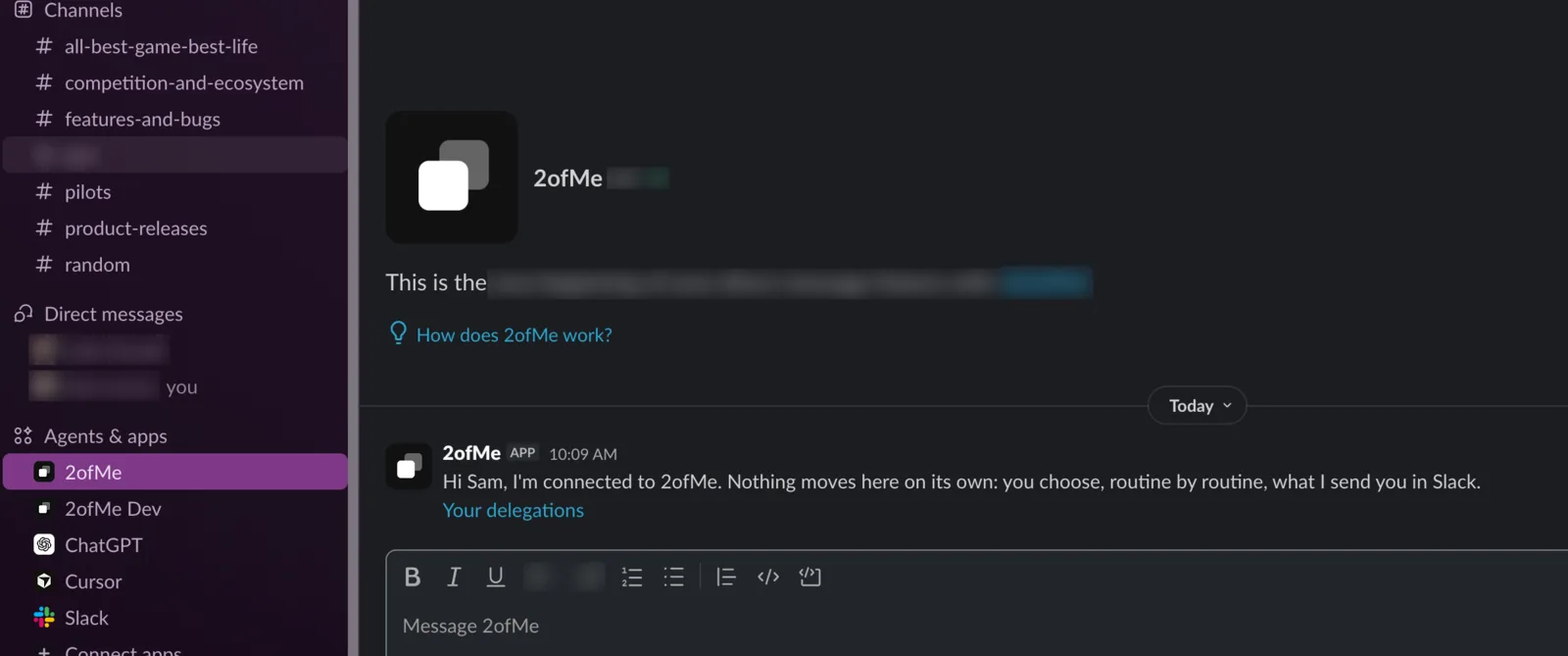
Add to Slack is on Integrations. Calendar checks can send its results to your Slack DM or a channel, and Follow-ups can send you the list of who to follow up with every day. You can Snooze, Draft or mark “No follow up needed” right from Slack.

Slack on Integrations
The first message in Slack
Calendar checks: Where I send it
Calendar checks in Slack
Follow-ups: Where and When I send it
Follow-ups in Slack
Follow-ups in Slack

Chrome Extension for a better Gmail experience

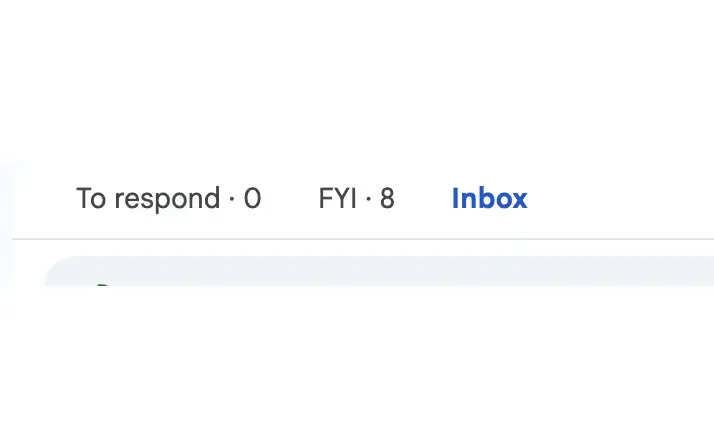
2ofMe for Chrome is on the Chrome Web Store. It adds a row of tabs to the top of Gmail, one for each kind of email 2ofMe sorts (To respond, FYI), with how many are waiting in each. The counts come straight from Gmail, so they update the second you archive something. Install it from Integrations, and updates arrive on their own.

Added to Chrome, on Integrations
The tab row in Gmail

Your Fathom calls in the 2nd brain

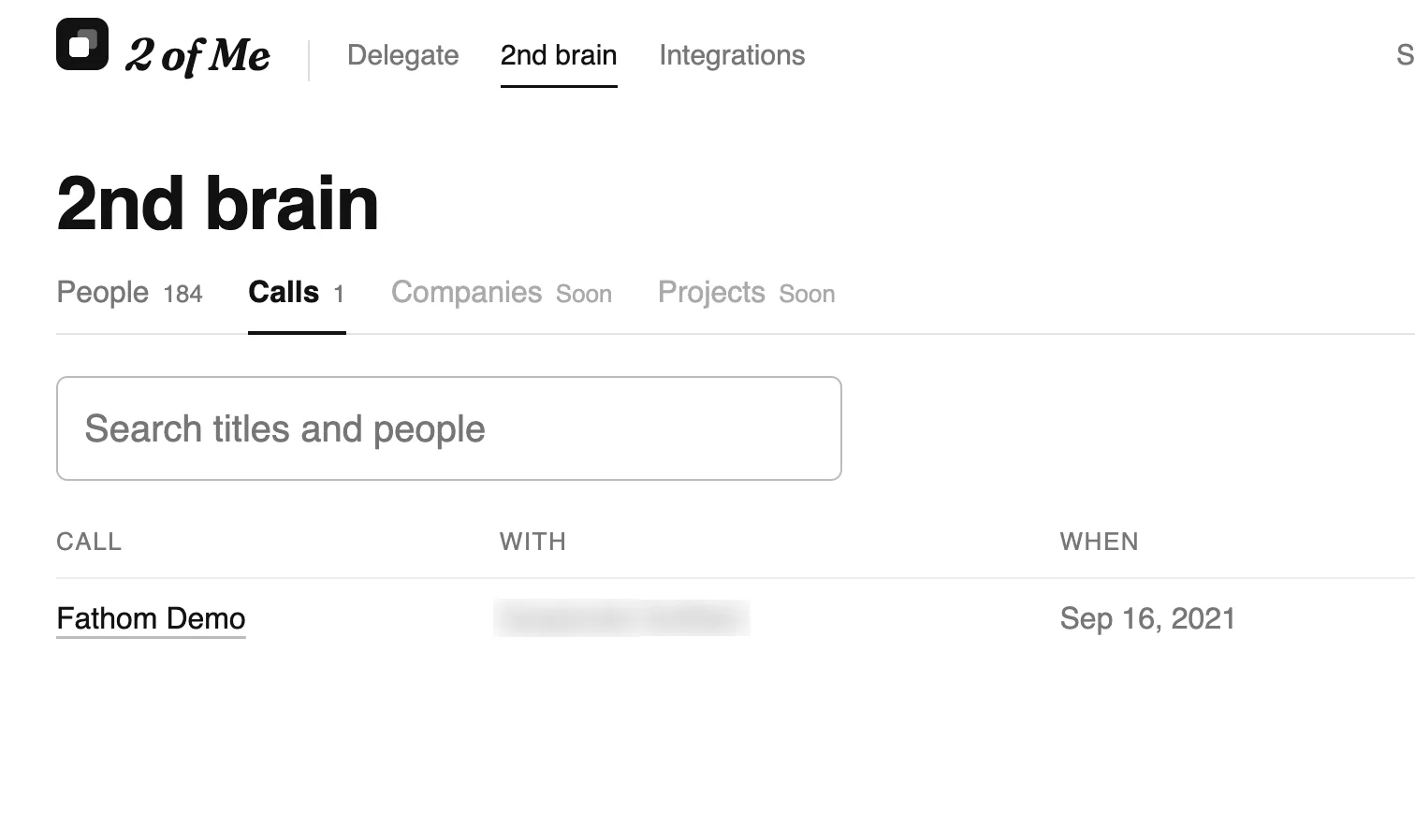
Connect Fathom and every call lands in a new Calls tab with its summary, action items and full transcript. A person’s page lists their calls.

Fathom on Integrations
The Calls tab
The Calls tab

Create a meeting link in the app

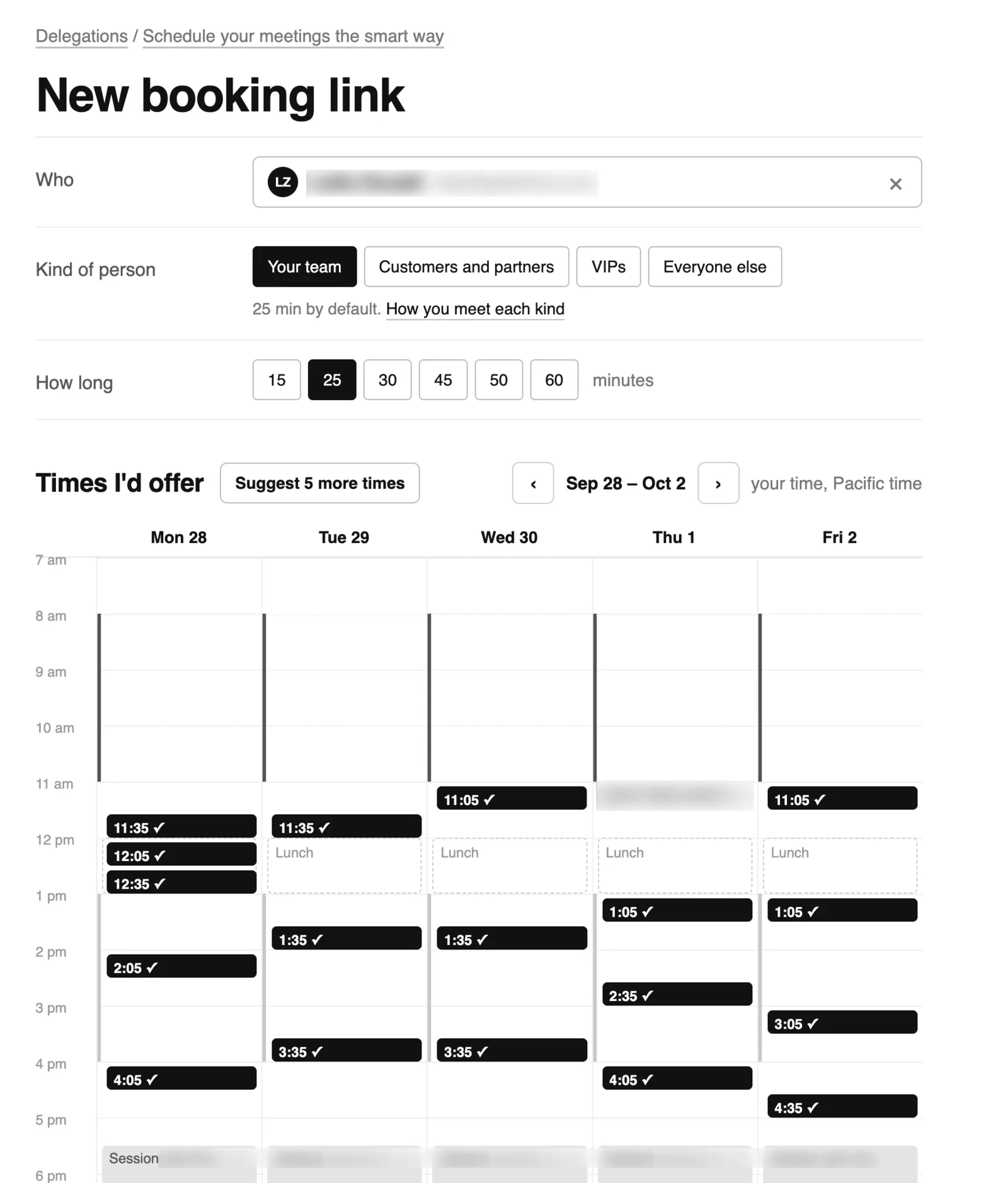
Pick who you’re meeting, what kind of meeting and how long. Your week shows your meetings, your rules and the times 2ofMe would offer, with the reason for each. Until now you could only do this by asking in Claude or ChatGPT.

New booking link
New booking link

Smart drafting of follow-up emails

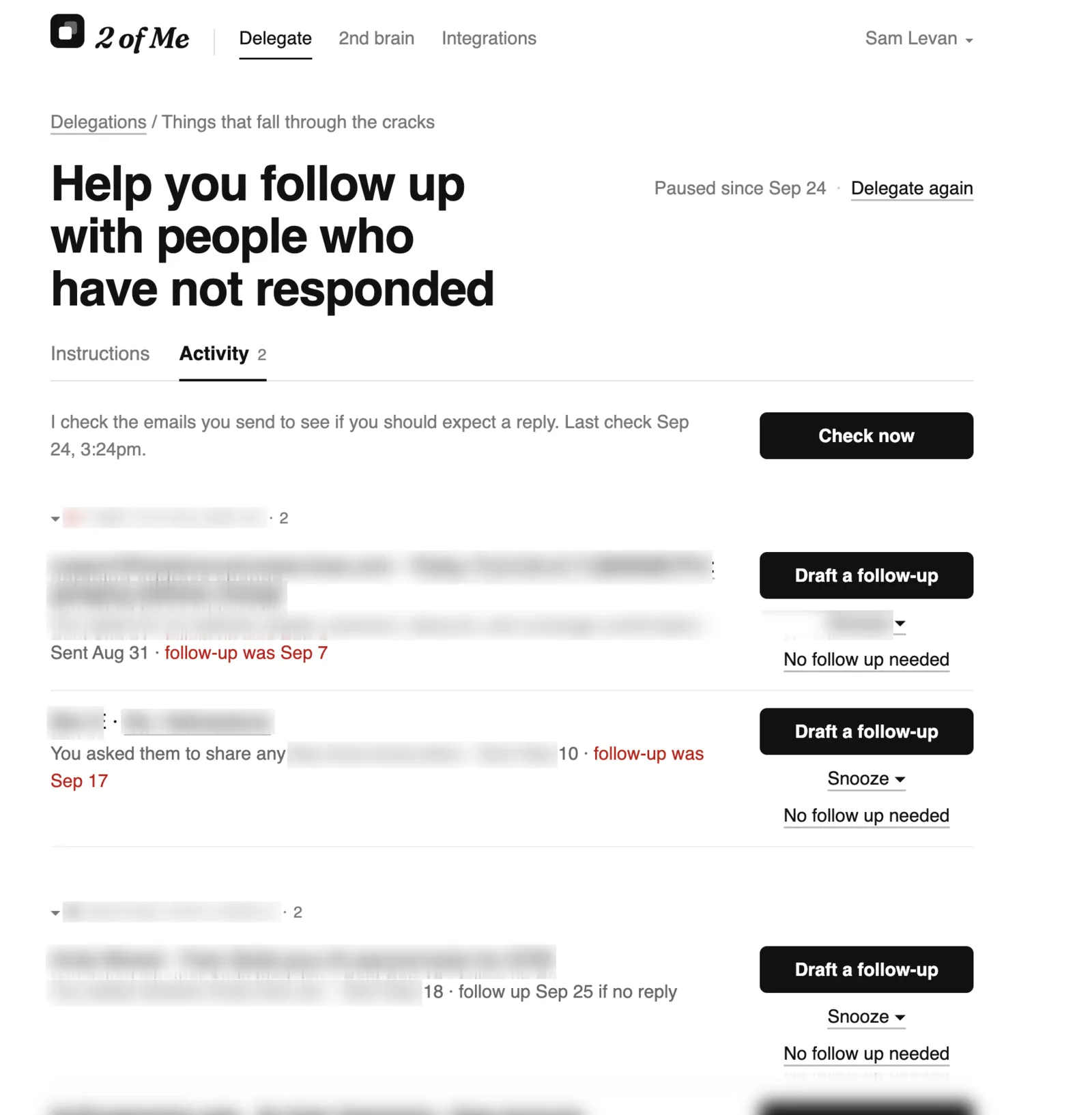
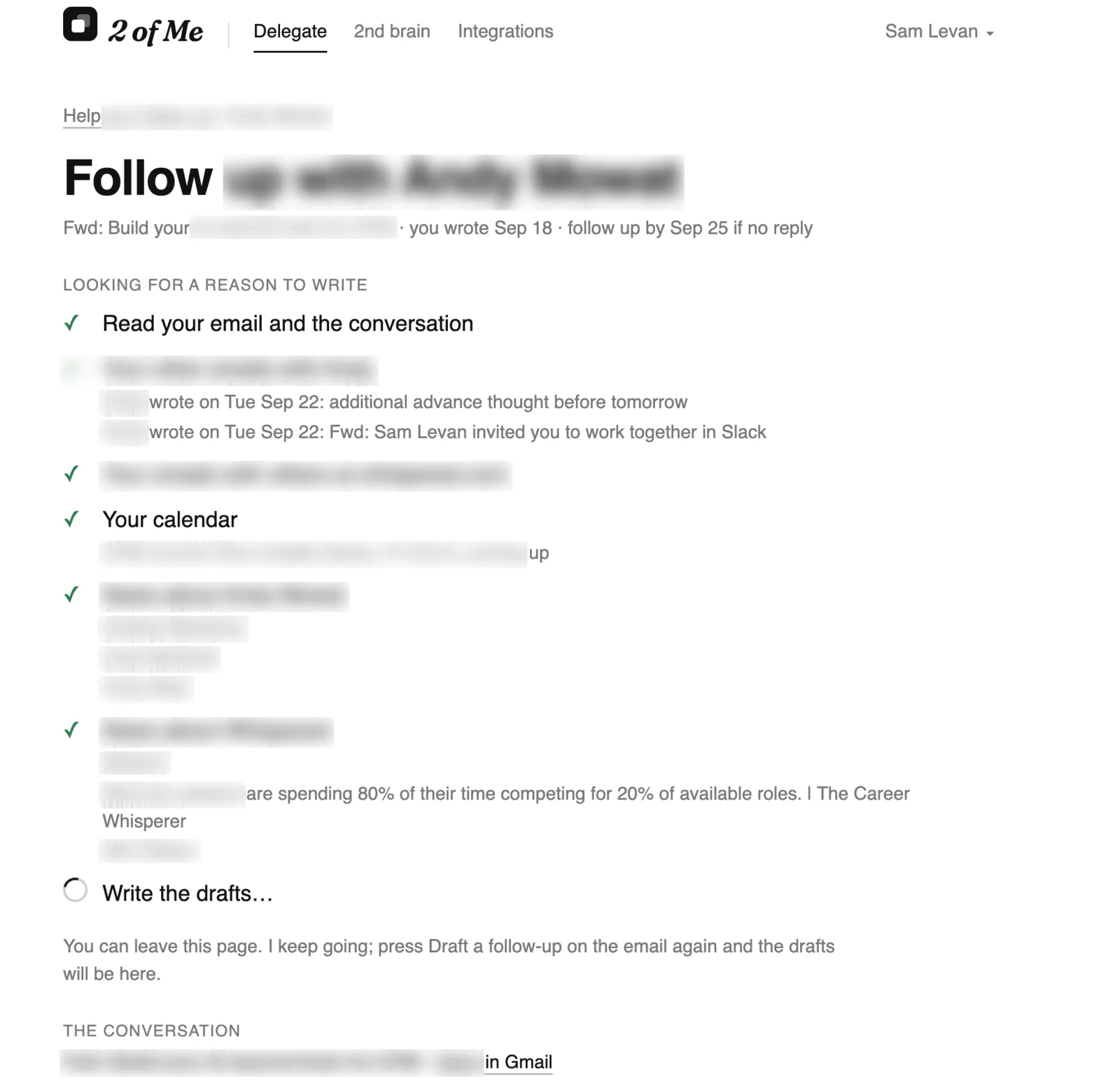
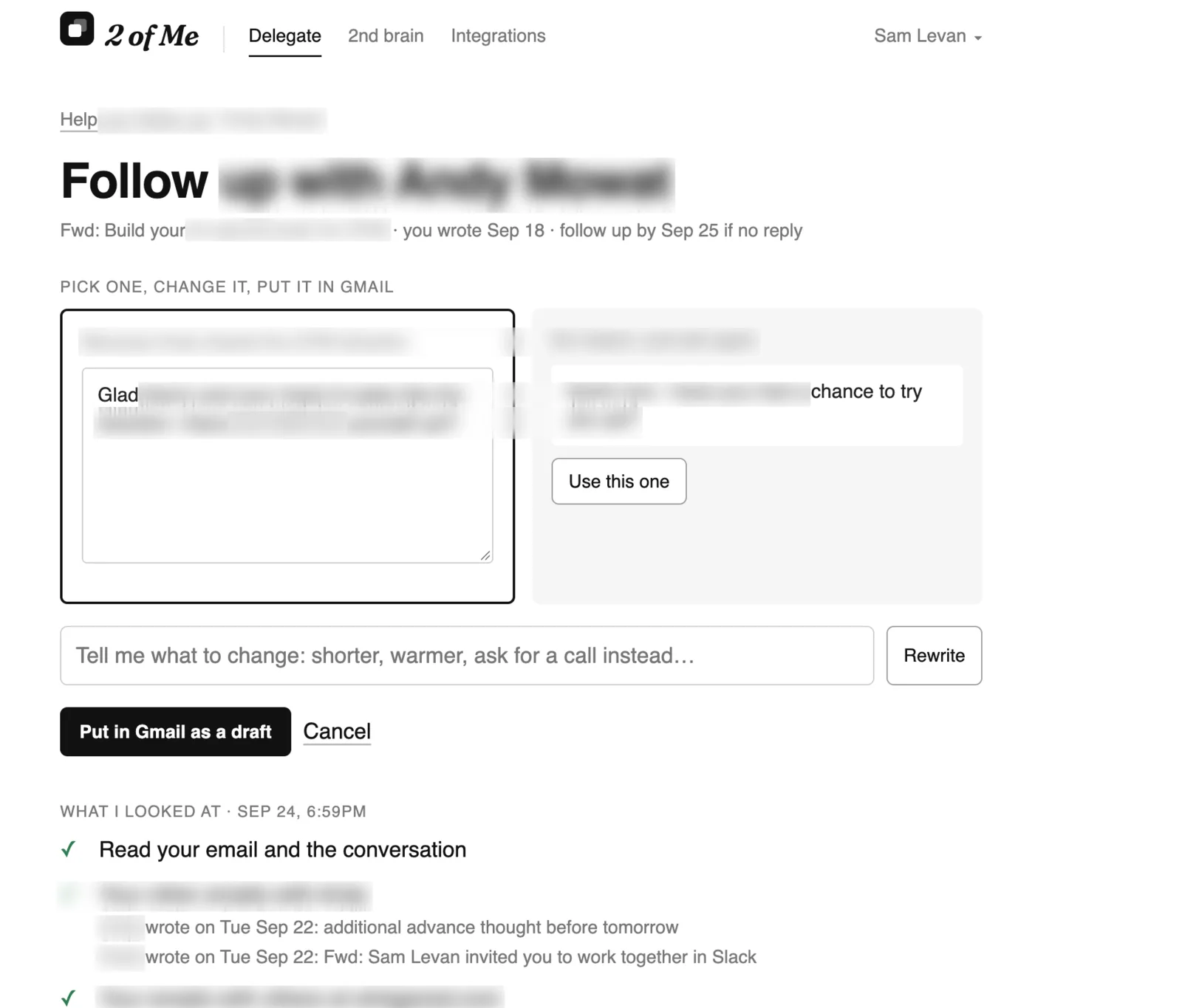
Follow-ups now drafts the follow-up for you. It looks for a reason to write first: the person’s other emails, their colleagues’, your meetings with them, news about them and their company. You get one draft per real reason plus a plain nudge, written from a few of your own sent emails so it sounds like you. Pick one, edit it, and it lands in the Gmail conversation as a draft. Nothing is ever sent for you.

The follow-up list
The follow-up list
Looking for a reason to write
Pick a draft
Pick a draft

Calendar checks sends you what it finds

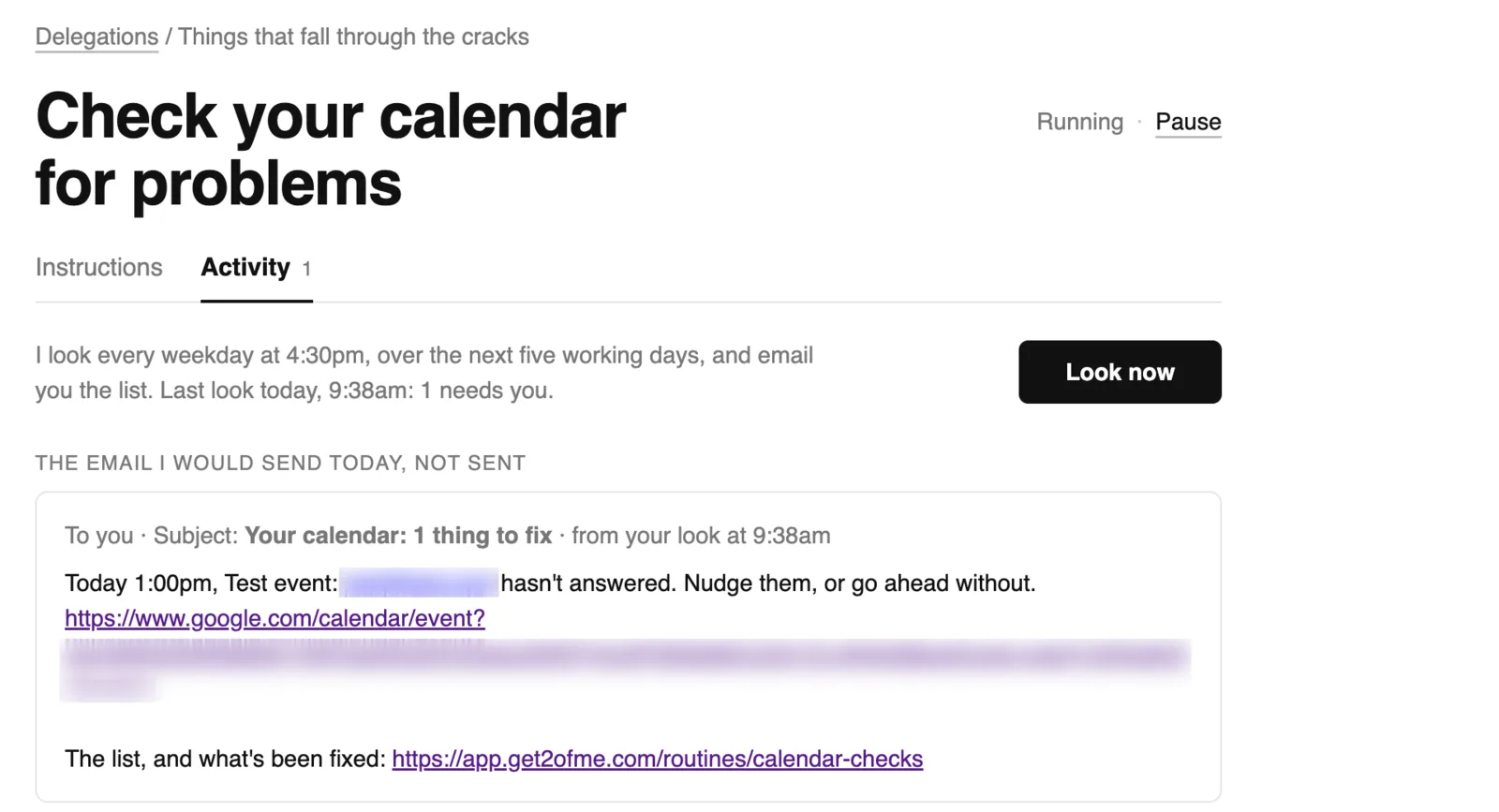
On the days and at the time you pick (weekdays at 4:30pm to start), it sends the calendar problems still open, new ones first. Nothing open, no message. Each link opens the event in the right calendar, even when you have several accounts.

The email it would send today

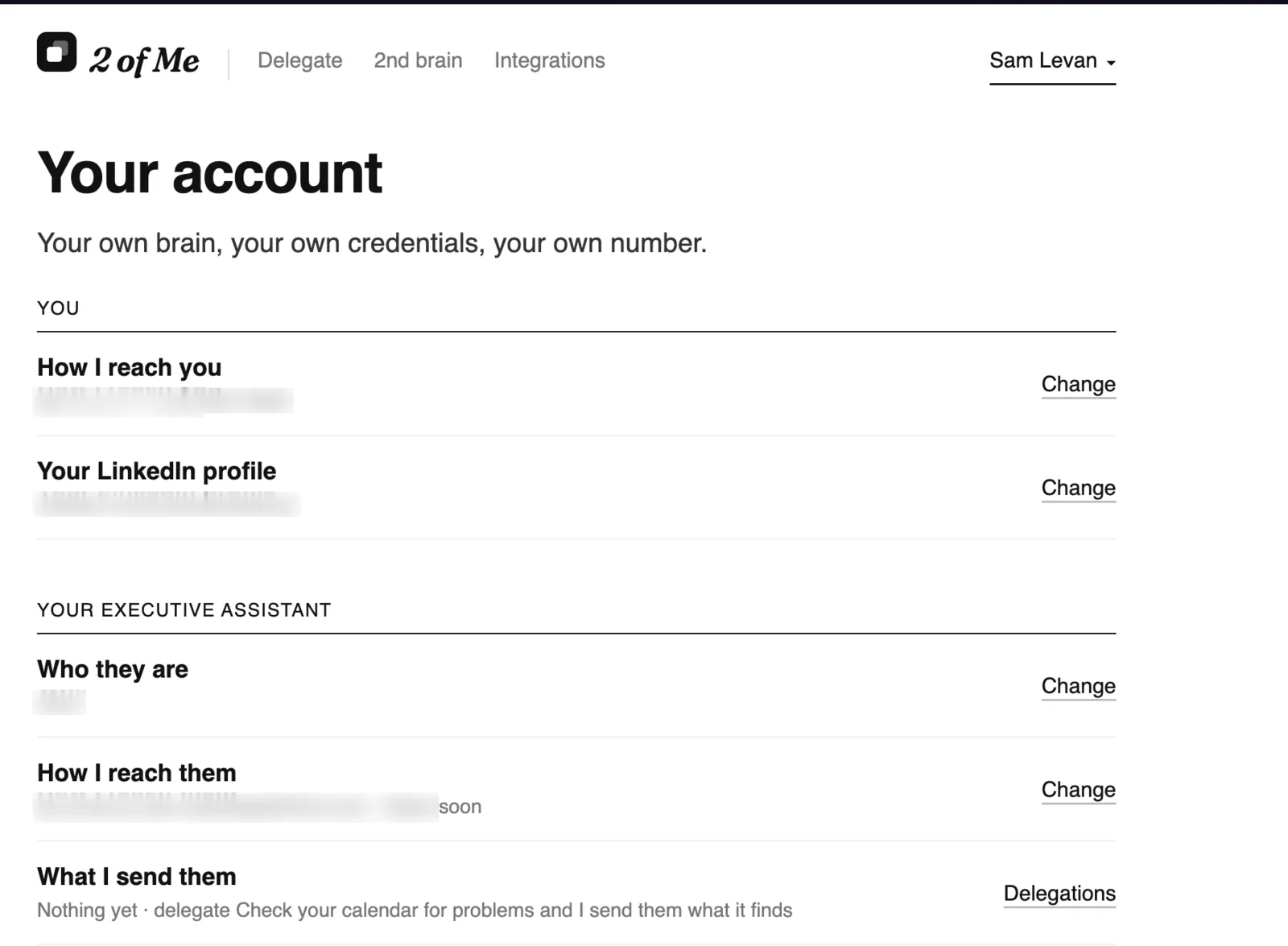
Get your 2ofMe to work with your executive assistant

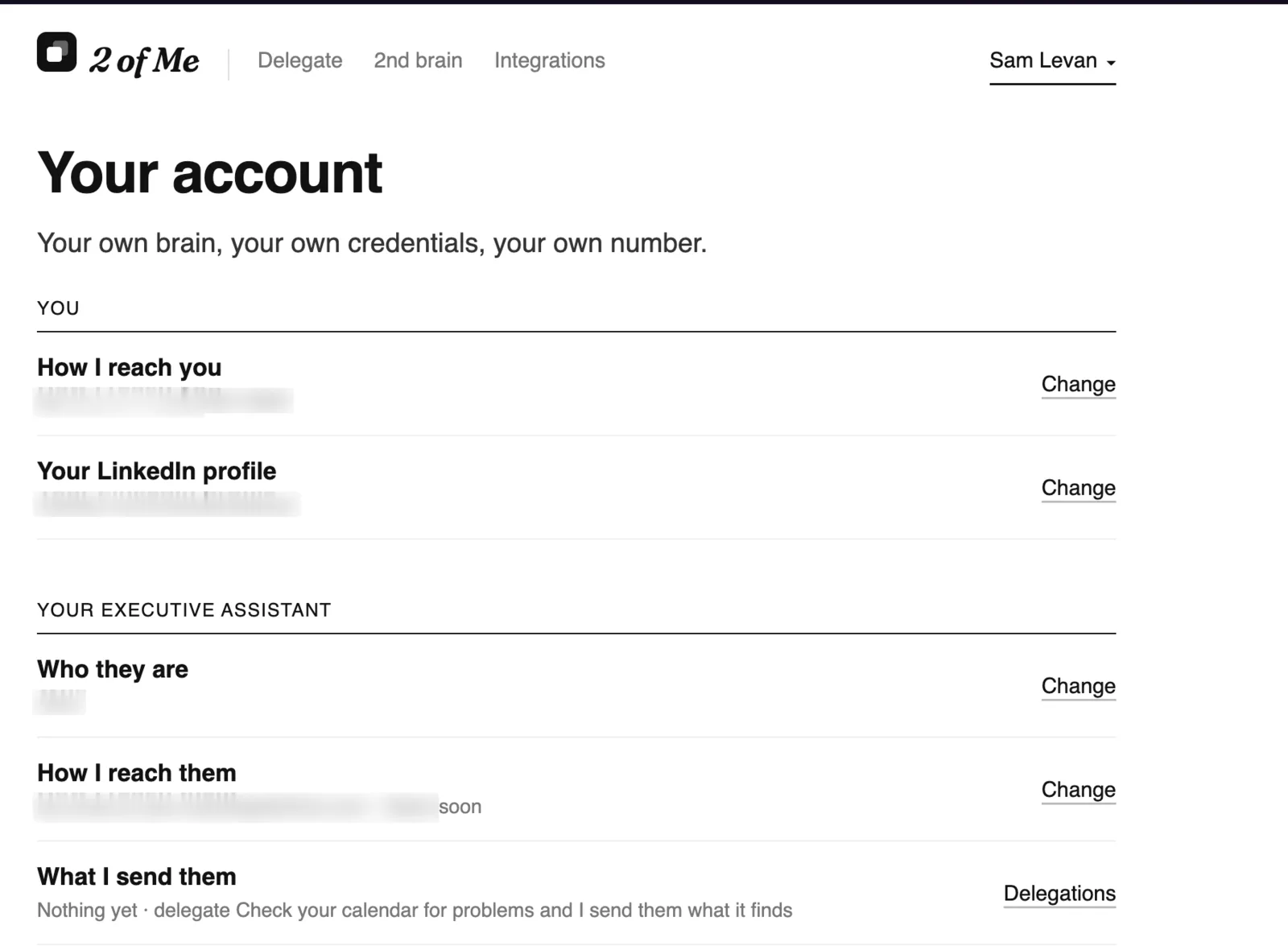
Add your assistant on Your account, and Calendar checks can email its results to them with you in cc.

Your executive assistant on Your account

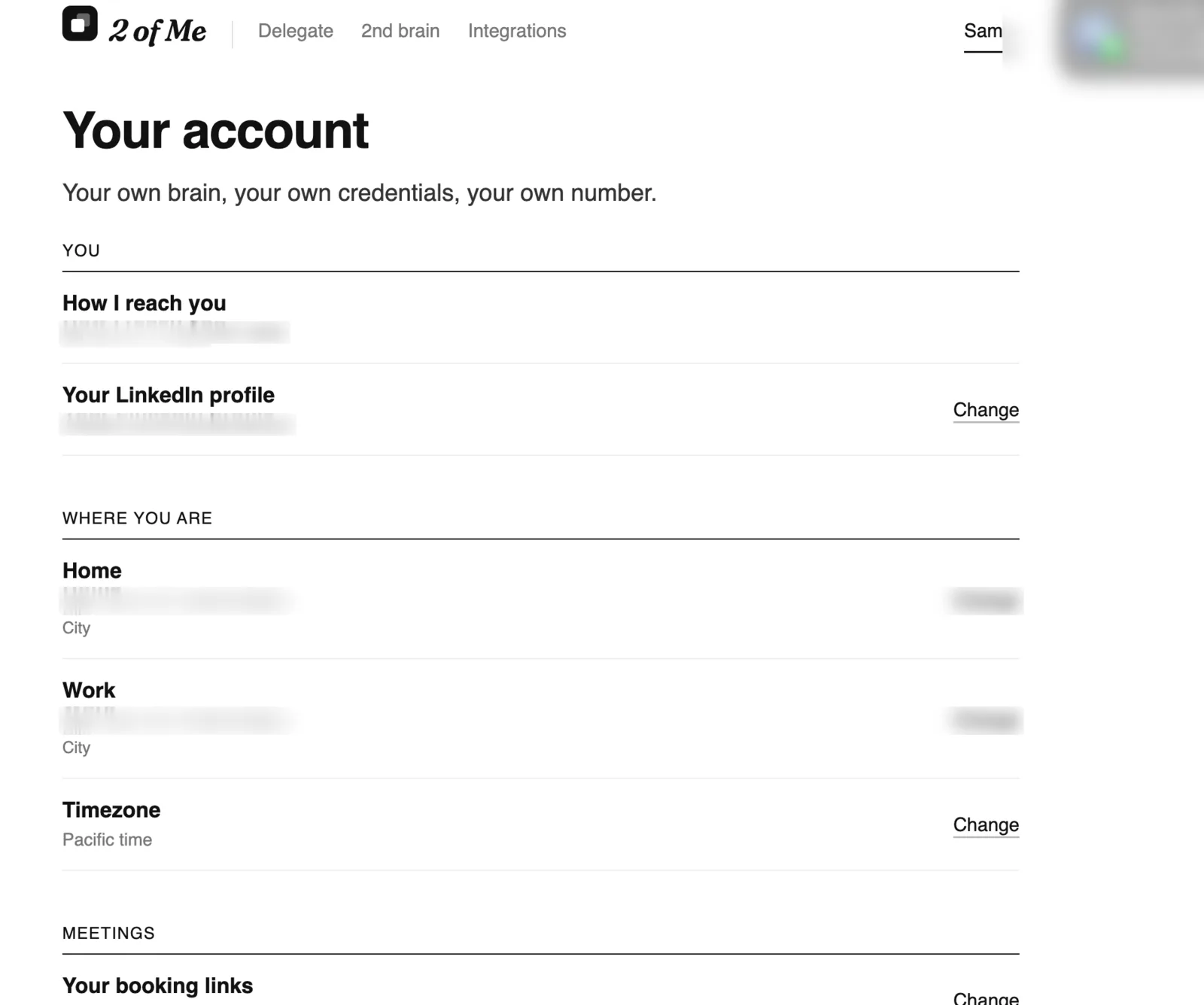
Home, work, time zone and phone number

Add your home, work and time zone on Your account, or let 2ofMe fill them in from your conversations, so your notifications arrive at the right time wherever you are. You can also add or change your phone number there, confirmed with a code by text, even if you signed up with Google.

Where you are, on Your account
How I reach you, on Your account

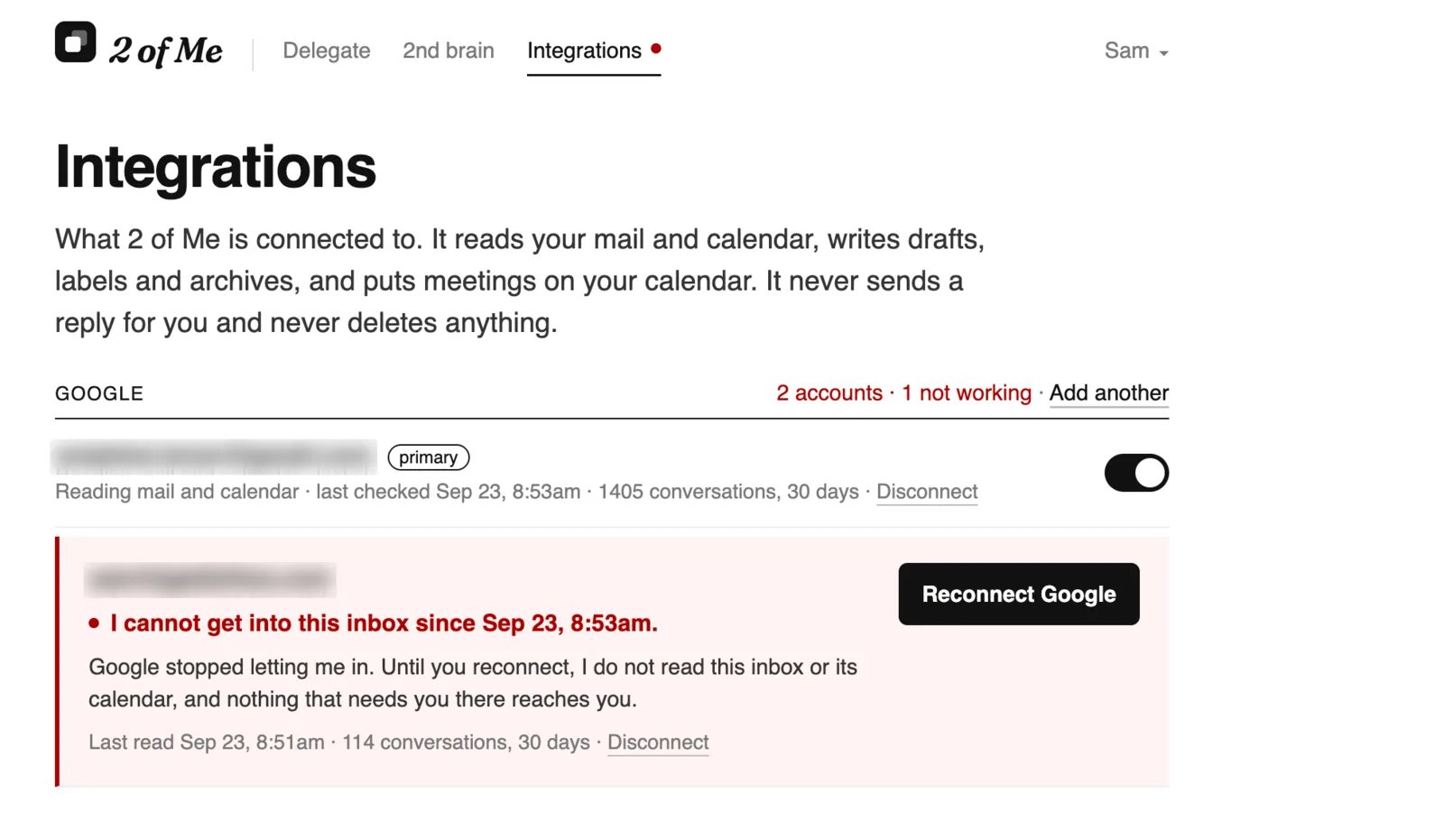
Integrations tells you when 2ofMe loses access

If Google stops letting 2ofMe into an inbox, the row turns red with a Reconnect Google button, and a red dot shows on every page.

The red row
The red row

See which emails are still waiting for a reply

A few minutes after you send an email, Follow-ups notes whether you’re expecting an answer and by when. If none comes, the email moves to Time to follow up. You can change the date on any of them.

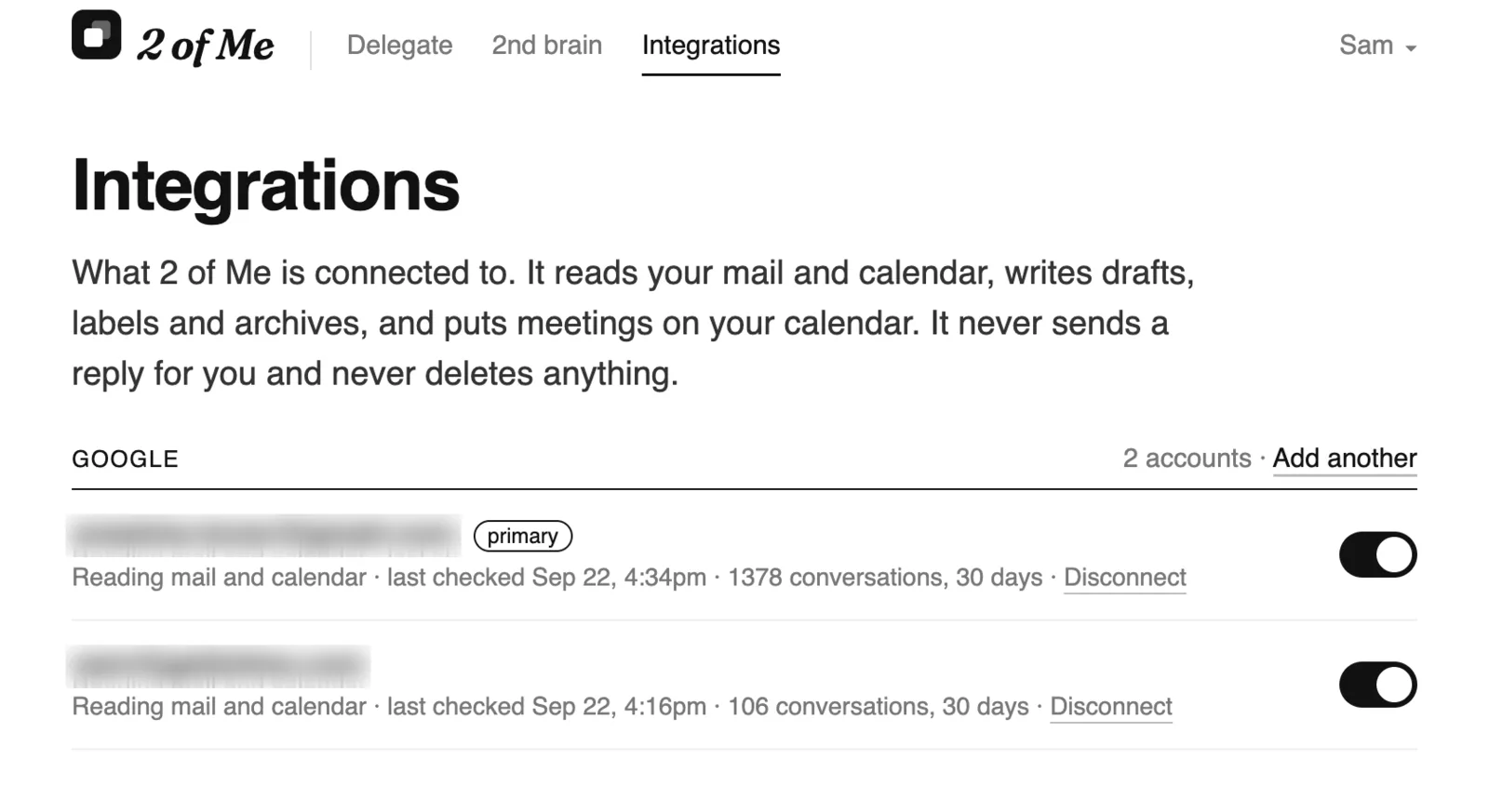
Connecting Google asks once

Adding a Google account asks for every permission the first time, instead of asking again when you turn on triage or calendar checks. When you have two accounts, the page says which one needs access.

Integrations with two Google accounts

Triage labels what it archives

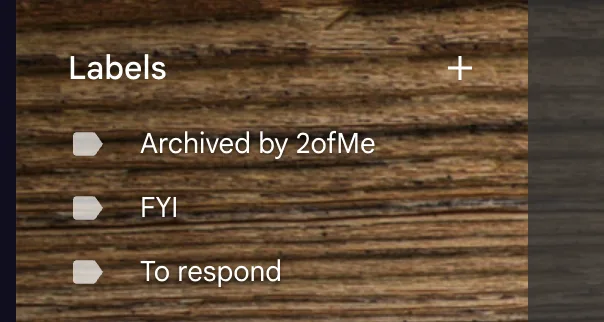
Emails that skip your inbox now carry the label “Archived by 2ofMe”, so you can always see what was moved.

The label in Gmail
The label in Gmail